At Wellows, our vision is to build an autonomous marketing agent one that can strategize, execute, monitor, and optimize with minimal human effort. Each step we take is about removing friction for marketers while adding intelligence to the workflow.
When we launched KIVA, we began with the most expensive yet most rewarding part of the funnel: execution. By unifying data from Google Search Console and third-party sources, KIVA made it effortless to identify low-hanging opportunities.
The unified table quickly became one of our most loved features, helping thousands of forward-looking marketers from agency owners to freelancers turn data into action.
How Quick Wins Came to Life
On one of my regular customer calls, an esteemed user shared an intriguing thought:
Did you know?
“The unified table already shows me where to focus, but what if KIVA could go even further? What if it could surface opportunities without me even starting with a keyword?”
That question got us thinking. Could KIVA help users not only by simplifying keyword research, but by suggesting opportunities proactively? The answer was yes and that’s how Quick Wins was born.
What Quick Wins Does
Quick Wins doesn’t replace the unified table it builds on it.
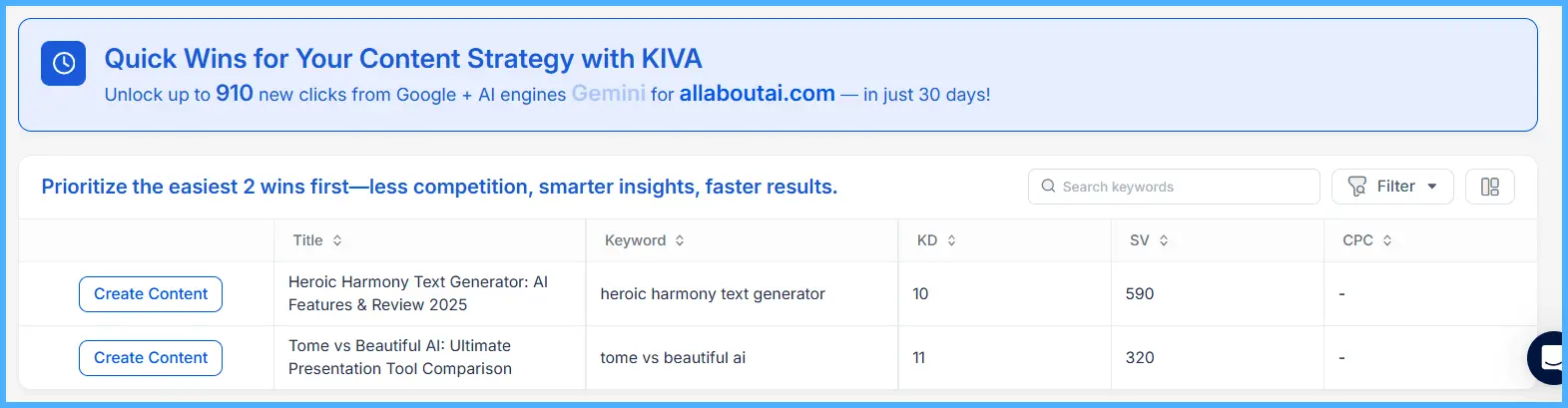
- No Keyword Input Required – Instead of starting with a keyword, KIVA scans the landscape and highlights domains winning from specific terms.
- All Insights in One Place – Just like the unified table, everything you need is neatly organized no hopping between tools.
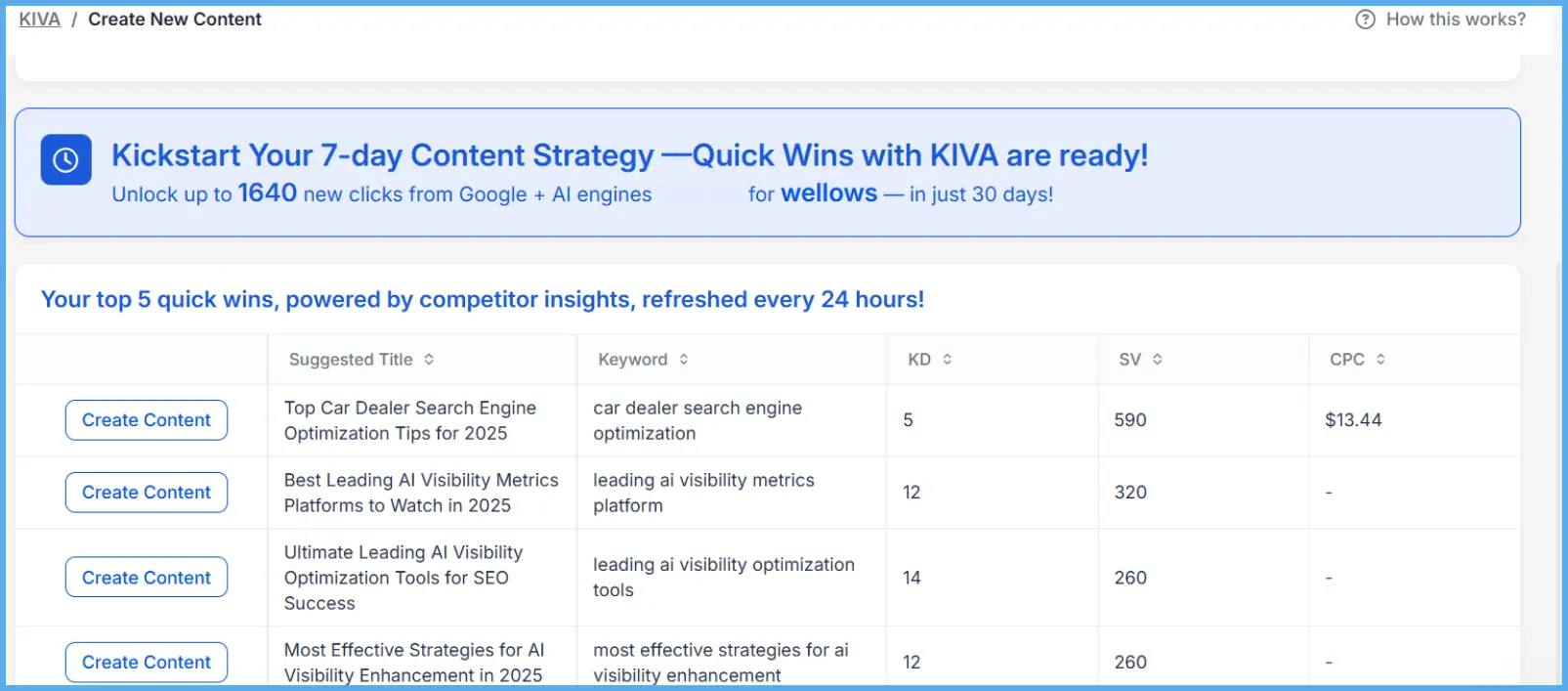
- Suggested Titles Included – Each opportunity comes with an auto-generated title to speed up execution.
- One-Click Content Creation – With “Create Content,” you can turn insights into ready-to-go content instantly.
In short, the unified table continues to serve users who love it, while Quick Wins offers a new, faster route to strategy for days when you want opportunities surfaced without even lifting a finger.
To see how this feature fits into the bigger picture of KIVA’s workflow, explore the full KIVA Quick Wins feature page.
Why Quick Wins Matters for Every Marketer
Marketers don’t all work the same way and that’s the beauty of choice. Some days you want to dig deep into keyword data and refine your strategy. Other days, you just want to hit the ground running with opportunities that are already surfaced and execution-ready. Quick Wins makes that possible.
Combined with the Unified Table, Quick Wins adapts to every style whether you’re exploring, validating, or executing fast campaigns.
How Quick Wins Fits Into Your Workflow
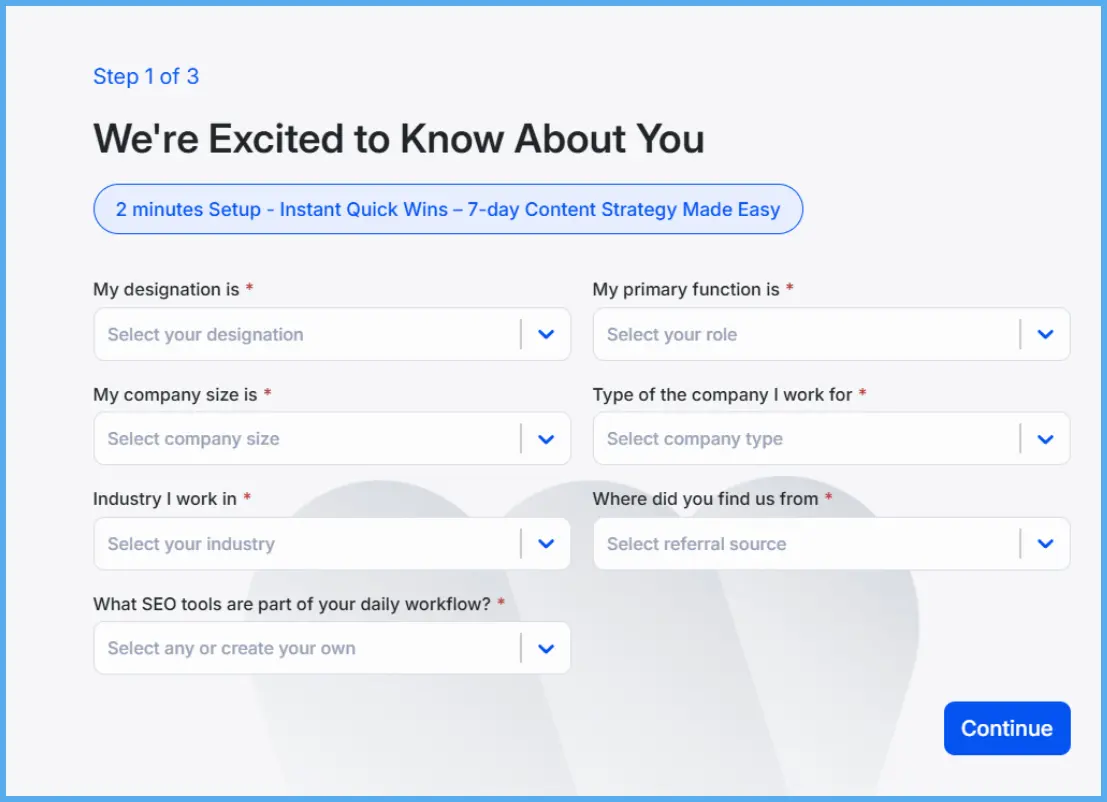
Step 1: About You (Business Profile)
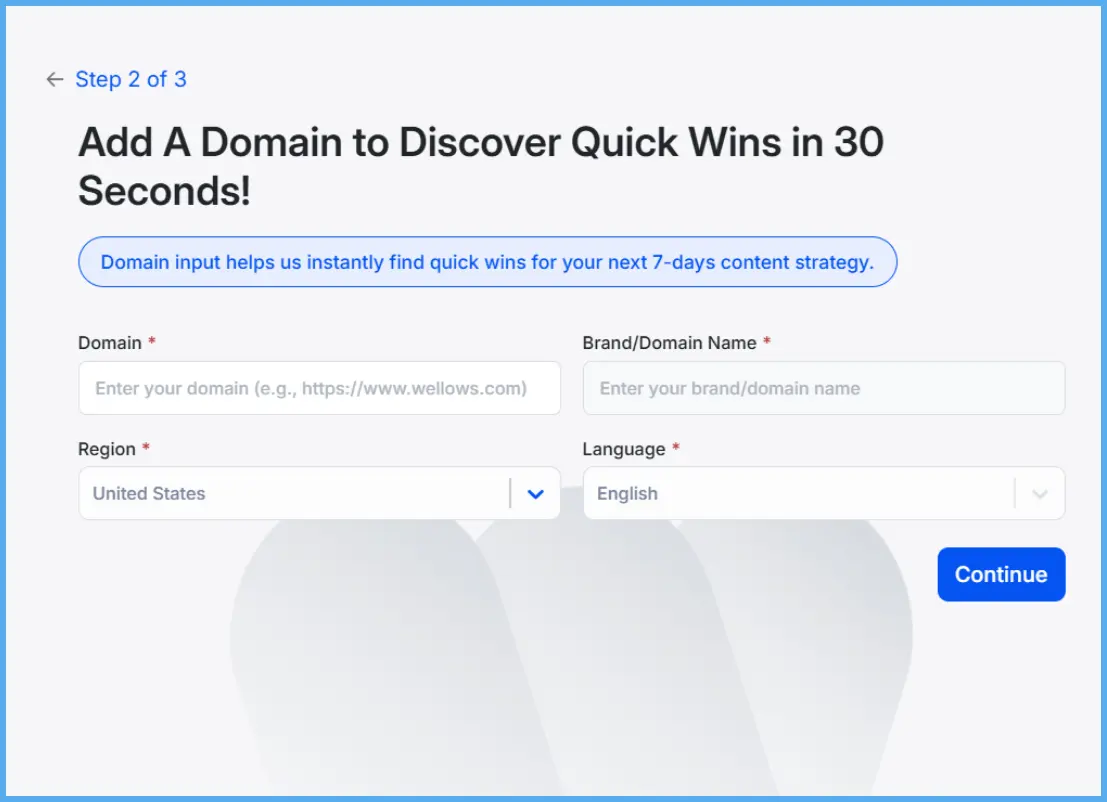
Step 2: Add Your Domain and Business Info
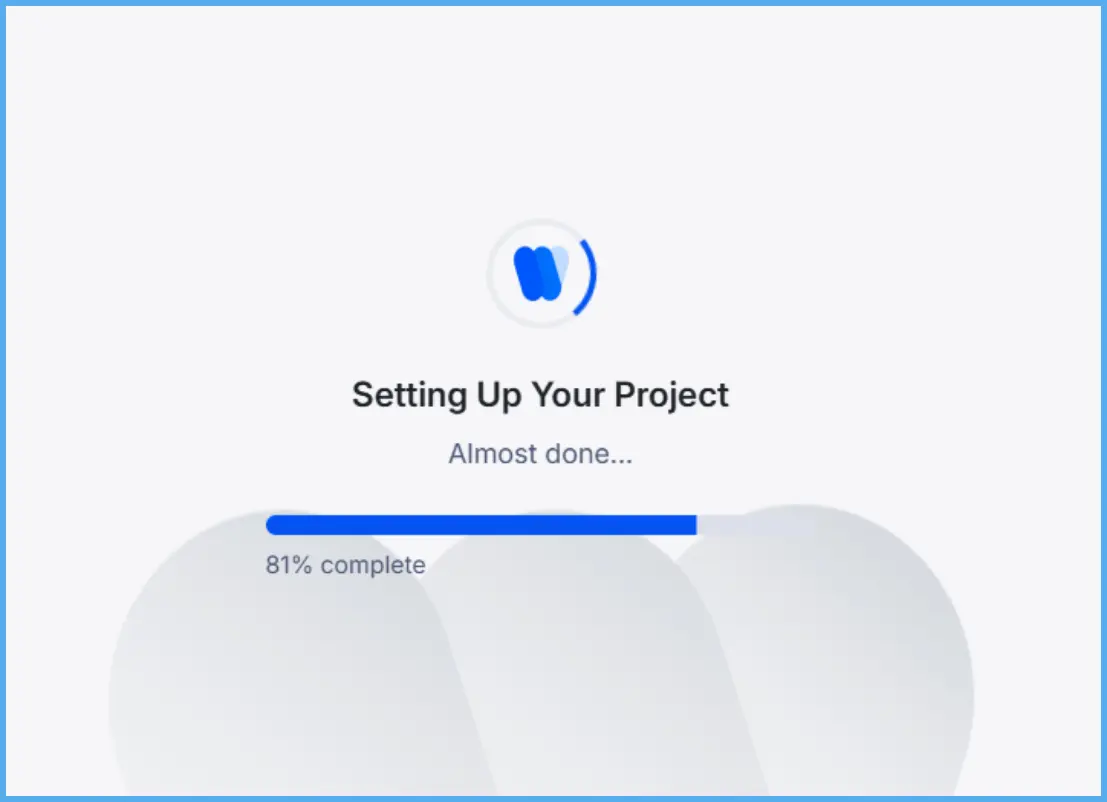
Step 3: Setting Up the Project
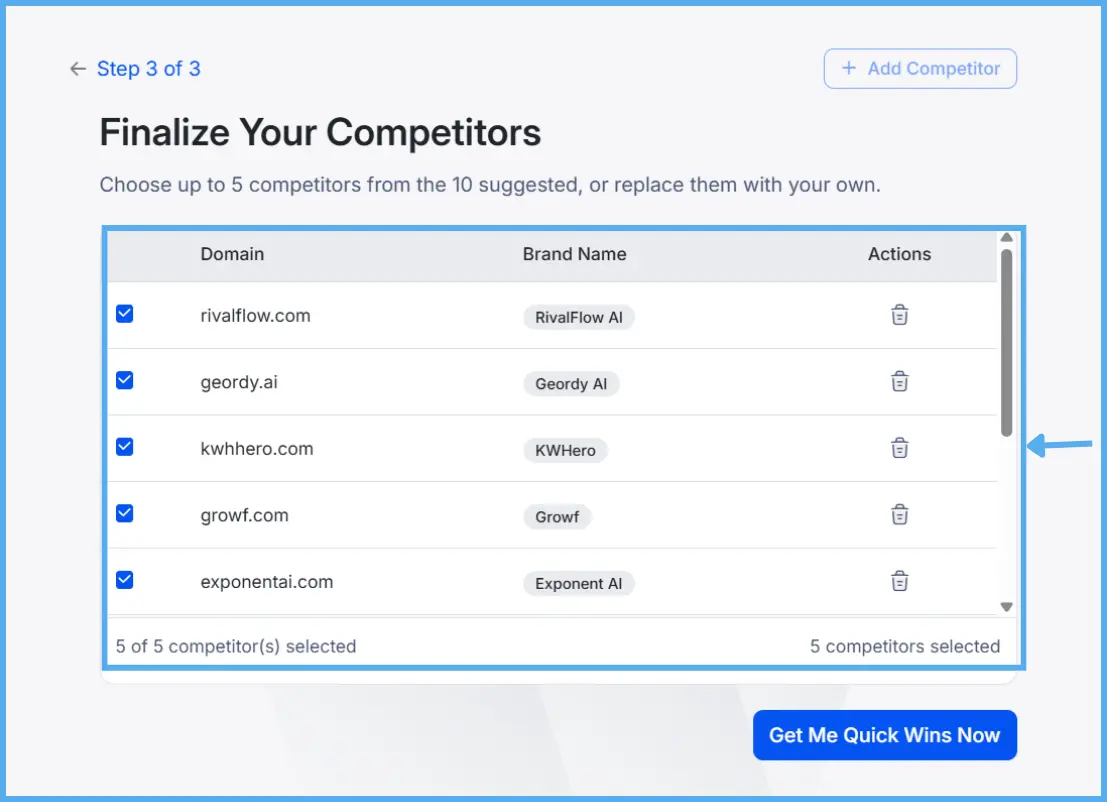
Step 4: Choose Competitors
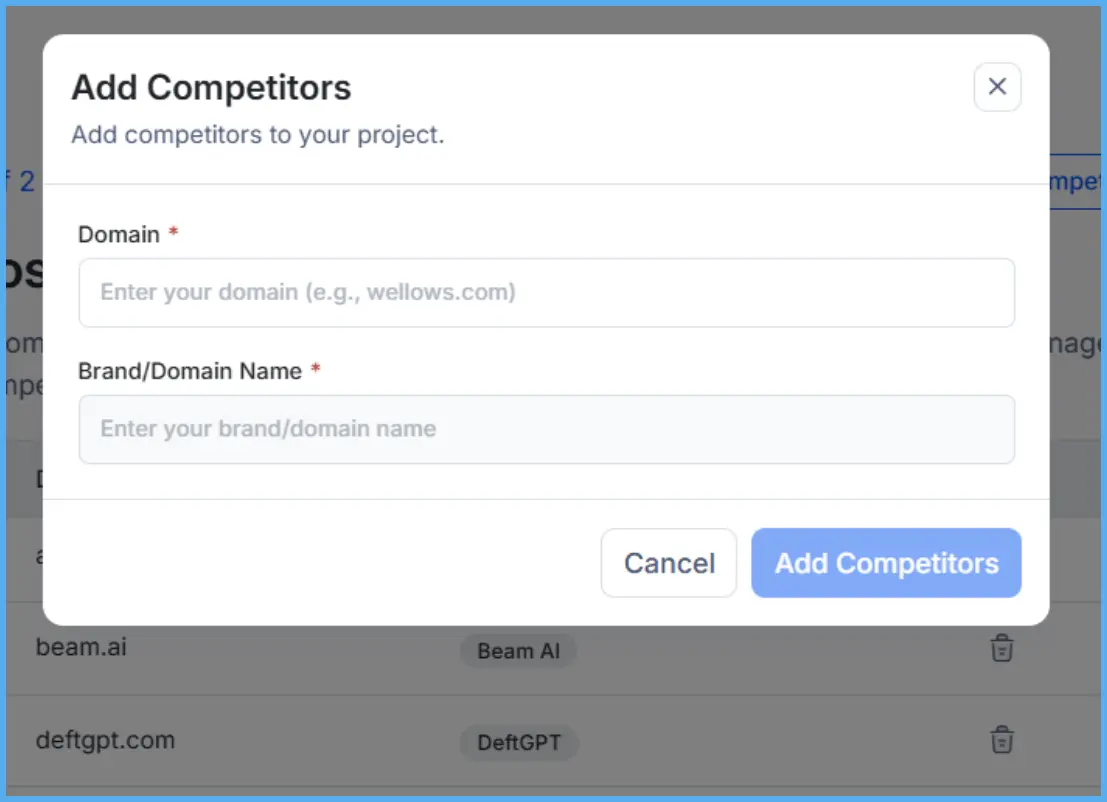
Step 5: Add Competitors Manually (Optional)
Step 6: Generate Suggestions and Create Content
Did you know?
Looking Ahead
Quick Wins isn’t just a feature; it’s another step toward our vision of autonomous marketing a future where Wellows doesn’t just help you work faster but actually does the work with you.
And as always, you can expect more layers like this: not replacements, but additions that make the platform smarter, easier, and more empowering.
Explore strategies for autonomous marketers in the Wellows webinar