TL;DR
| Answer Yes. The Generative AI performance report shows how often links to your site appeared in AI Overviews and AI Mode. |
Shows Impressions by page, country, date and device, with a text or multimodal search filter. |
| Hides No clicks, no click-through rate, no queries or prompts, and nothing about ChatGPT or Perplexity. |
Clicks Clicks from AI features stay in the main Performance report, mixed in with Web search. |
| Control Every property is set to Include by default. Excluding means no impressions or traffic from these features. |
Combine Pair it with Bing’s AI Performance report and a tracker for the engines Google cannot see. |
Yes. The Search Console generative AI report shows how often links to your site appeared in AI Overviews and AI Mode, by page, country, date and device. It reports impressions only. Clicks stay in the main Performance report, and prompts are not shown.
Google introduced the report in June 2026 and opened it to all websites worldwide on August 31, 2026. This guide explains what it contains, how to read it, where it stops and what to pair it with. It is written for SEO leads who have to explain AI Overview impressions in Search Console to a client or a boss.
1What is the Search Console generative AI report?
It is a dedicated report, officially called the Generative AI performance report (Search), that shows how many times links to your site appeared in generative AI features on Google Search. Today those features are AI Overviews and AI Mode, and Google says the list may expand. Search Labs experiments are excluded, and Discover has its own separate report.
Definition: Generative AI performance report
A Search Console report that counts impressions, meaning how many times links to your site appeared in a Google generative AI feature, split by page, country, date and device.
Quotable stat
| 2.5 billion+ monthly active users of AI Overviews |
1 billion+ monthly users of AI Mode |
Google says AI Overviews has more than 2.5 billion monthly active users and AI Mode has passed one billion monthly users. Source: Google, June 2026 announcement.
2Does Google Search Console show AI Overview data?
Yes, in two places. The new report shows impressions for AI Overviews and AI Mode. The main Performance report still counts AI feature activity under the Web search type, with clicks, impressions and average position. All links inside one AI Overview share a single position, so position data from AI results is blunt (Google Search Console Help).
For AI Overview impressions in Search Console, the counting rule is simple. An impression is counted when a link to your site appears in the feature. If two results from your site appear in the same feature, the chart counts one impression. The table groups page data by page, so chart and table totals can differ.
3Can I see clicks from AI Overviews in Search Console?
Not on their own. Clicks from AI Overviews and AI Mode are counted as ordinary clicks in the main Performance report, under the Web search type. The Generative AI report has no click column, and Google’s documentation lists no filter that separates AI-feature clicks from classic ones.
That means you cannot work out a click-through rate for AI features from Search Console alone. Treat any figure that claims to do so as an estimate.
4How to read the report
The report has one metric, a few tabs and a small set of filters. This diagram shows the layout, so you know what you are looking at before you open your own property.
Anatomy of the report (a diagram, not a screenshot)
| Generative AI performance (Search) | |||
| Metric Impressions only |
Search type Web text-based or Web multimodal |
Date view Day, week or month, in Pacific Time |
Export Chart and table data |
| Pages tab Final URL after redirects |
Countries tab Where the search began |
Dates tab Impressions over time |
Devices tab Desktop, tablet, mobile |
| 1 | Open the report. If it is missing, your site may have too few AI impressions, or it may be excluded from these features. |
| 2 | Set the date range. A dotted line means the newest data is preliminary and can change within hours. |
| 3 | Read the chart as total impressions for the property, then use the tabs to split by page, country, date and device. |
| 4 | Filter by search type. Multimodal covers image searches such as Google Lens and Circle to Search. |
| 5 | Export the data. Values shown as a tilde or a dash export as zeros, and tables stop at 1,000 rows. |
What it shows and what it hides
| Question | Does the report answer it? | Where to look |
|---|---|---|
| Which pages appear in AI features? | Yes, on the Pages tab | Generative AI report |
| How many impressions by country or device? | Yes | Generative AI report |
| How many clicks came from AI features? | No | Main Performance report, mixed with Web clicks |
| Which prompts or queries triggered us? | No | A tracker that runs prompts |
| Did the answer name or cite us as a source? | No, it counts links shown | A citation tracker |
| Are we cited in ChatGPT or Perplexity? | No, Google only | A per-engine tracker |
| Are we cited in Microsoft Copilot? | No | Bing AI Performance report |
5How do I compare AI-feature impressions with all impressions?
Pull the same property and the same 28 days from both reports, then divide. Treat the result as a rough ratio, because the two reports group data differently.
Formula: AI impression share
AI impression share = impressions in the Generative AI report ÷ Web impressions in the Performance report, same property, same dates.
A rough ratio, not an official Google metric.
To look at this data at page level, export the Pages tab of both reports and join the data on the URL column. Sort by AI impressions and look at pages that are receiving lots of impressions, but few clicks. These pages are being shown but rarely visited. Do not be tempted to think having a high share means it is doing well. An impression is just showing a link.
6What is the Search generative AI control?
It is a setting in Search Console, under Settings, that decides whether your links and content can appear in AI Overviews, AI Mode and generative AI in Discover. Every property is set to Include by default (Search generative AI control).
| Option | What it does |
|---|---|
| Include | Default. Your content can appear, be linked and ground AI answers. You can receive impressions and traffic. |
| Exclude | Your links and content are hidden from these features. You receive no impressions or traffic from them. |
| Inherit from parent | The property follows its parent’s setting. This is the default for properties that have a parent. |
Google says excluding does not affect your ranking in other parts of Search, and it does not stop AI training, which is handled by Google-Extended. Changes take a few days. Whether to exclude is a business decision. Google notes the Generative AI report can help you estimate how a change would affect traffic, so read it first.
7What should I pair with Search Console?
Google’s report covers Google only, so pair it with sources for the other engines.
| Source | Covers | Gives you |
|---|---|---|
| Generative AI report | AI Overviews, AI Mode | Impressions by page, country, date and device |
| Bing AI Performance | Copilot, Bing AI summaries, select partners | Total citations, cited pages, page-level activity and a sample of grounding queries |
| Per-engine tracker | ChatGPT, Perplexity or AI Overviews | A snapshot of citations from 40 generated queries |
Bing’s report has been in public preview since February 2026 (Bing Webmaster Blog). For a free first check on one engine, try the AI Overviews tracker, or the ChatGPT and Perplexity trackers. None needs a signup. For how AI Mode changes search, see our Google AI Mode guide.
What only Wellows adds
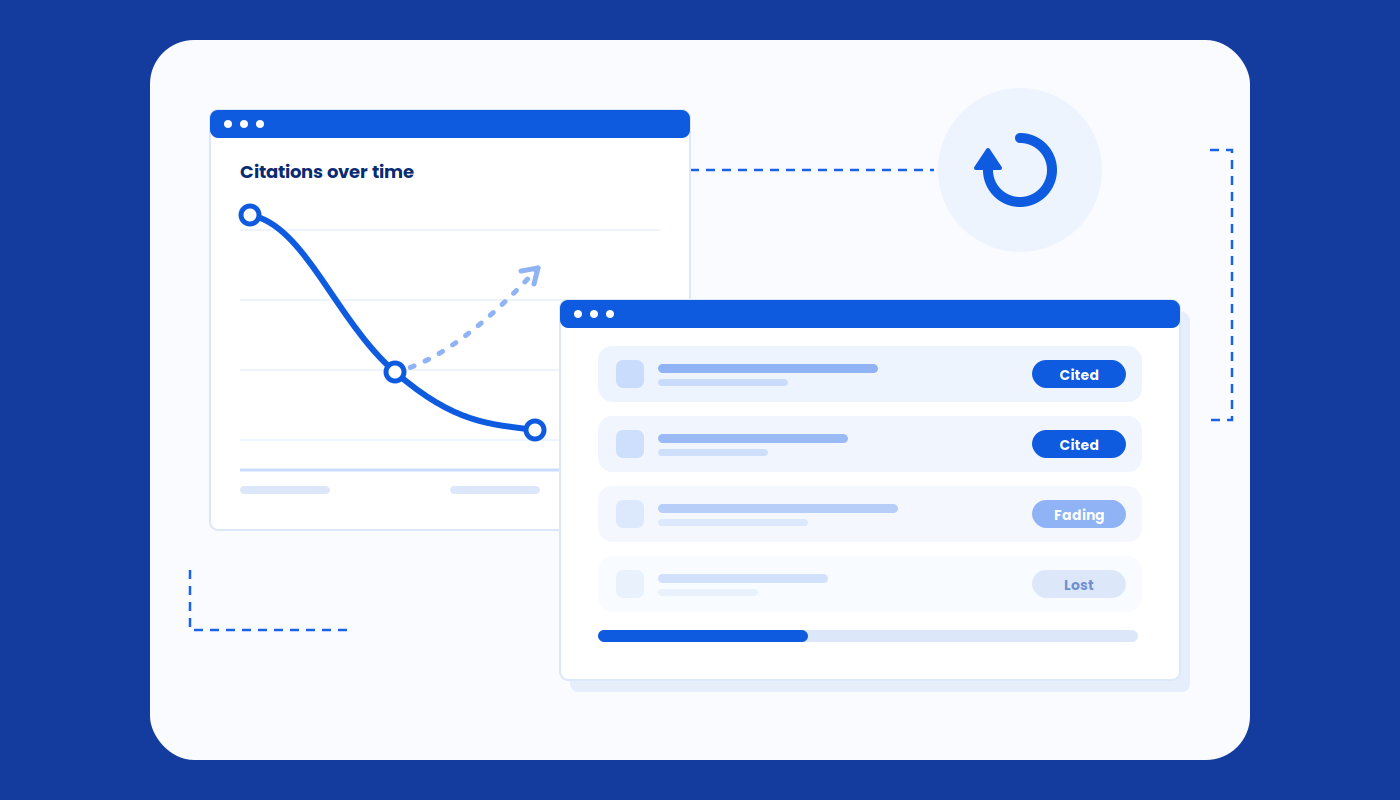
Search Console tells you a link was shown. It cannot tell you whether an answer cited you as a source, and a citation is what sends traffic, not a name drop. Wellows LLM Citations tracks the URLs AI engines cite for each of your prompts across ChatGPT, Google AI Overviews, Google AI Mode, Perplexity and Gemini, refreshes every 24 hours and flags every change in citation status.
It also distinguishes between explicit and implicit citations. Implicit citations are when you are not cited but another page about your topic is. This is your shadow reputation, and it is the narrative that AI engines create based on pages you have not written. Search Console will show you what Google sees, but Wellows shows you what is being cited by the AI engines.
Together they close the loop: see where you appear, see where you are cited, fix the gap, then check again.
A Monday morning checklist
- Open the Generative AI report and set the last 28 days.
- Export the Pages tab and the same 28 days from the Performance report.
- Calculate AI impression share for the property and for your top pages.
- Flag pages with many AI impressions and few clicks.
- Check your Search generative AI setting and write down what it is.
- Run a free tracker for ChatGPT or Perplexity, then check Bing’s report.
Conclusion
The Generative AI performance report finally puts AI Overviews and AI Mode impressions in Search Console, but it shows impressions only. This week, pull your 28-day numbers, work out your AI impression share and flag the pages shown but not clicked. Then add a citation check for the engines Google cannot see.