TL;DR
| Answer Check Traffic acquisition for an AI Assistant channel, then add a custom channel group with a regex rule above Referral. |
Regex One copy-paste pattern catches ChatGPT, Perplexity, Claude, Gemini, Copilot and more. |
| utm_source utm_source=chatgpt.com is a tag ChatGPT adds to cited links. It names the source, not the medium. |
Undercount App, copy-paste and no-referrer visits land in Direct, so GA4 is a floor, not a total. |
| Logs AI fetcher requests in server logs are not visits. Do not add them to your session count. |
Report Show AI sessions next to sign-ups, and label small numbers as small. |
To track AI referral traffic in GA4, open Traffic acquisition and look for an AI Assistant channel, then build a custom channel group that matches AI sources with a regex and sits above Referral. It takes four steps and about ten minutes, and the regex is below.
You may be surprised by a low number. GA4 only tracks visits that have a referrer or UTM tag in them – many of the AI visits will not have either. In this guide we’ll look at how you set it up, the meaning of utm_source=chatgpt.com, how to see Perplexity and how to see GA4 alongside your server logs without double-counting.
1How do I track AI traffic in Google Analytics 4, including ChatGPT?
GA4 currently has a default Channel Group called ‘AI Assistant’ that groups traffic from chat tools like ChatGPT, Gemini, DeepSeek, Copilot and Grok. This will exclude traffic from AI Overviews and AI Mode which are classed as ‘Organic Search’. The default settings are static and cannot be changed (Google Analytics Help). Go to Open Traffic under Acquisition to view the default Channel Group. Check the Channel is appearing within your property.
To see ChatGPT and Perplexity traffic specifically, switch the dimension to Session source / medium and look for chatgpt.com and perplexity.ai. Section 5 shows what each one looks like in your reports.
2How do I create a custom channel group for AI traffic in GA4?
A custom group fills those gaps. The default group may miss sources such as Perplexity, and it may not relabel older data. Here are the four steps.
| 1 | Open Reports, then Acquisition, then Traffic acquisition. Switch the dimension to Session source / medium and scan for AI domains. Note any AI Assistant channel sessions. |
| 2 | Copy the regex from the box below. |
| 3 | Create the group. In Admin, open Data display, then Channel groups, then create a new group. Add a channel called AI Search with the condition Session source, matches regex, and paste the pattern. Leave medium unrestricted. |
| 4 | Reorder the rules so AI Search sits above Referral, Organic Search and Direct, then save. GA4 uses the first rule that matches, so a lower position means the sessions never reach your rule. |
Copy-paste regex for Session source
chatgpt\.com|chat\.openai\.com|perplexity\.ai|claude\.ai|gemini\.google\.com|copilot\.microsoft\.com|deepseek\.com|grok\.com
Add new assistants as they appear, separated by a pipe. Check your own Session source list for any AI domains this misses.
Leave the medium open on purpose. ChatGPT links often carry a source tag, and restricting the rule to the referral medium would miss visits that GA4 records with a different or empty medium. Allow a day or two for the data to settle, then switch the channel grouping in Traffic acquisition to your new group.
3How do I set up GA4 regex filters for AI chatbots?
The regex from step 2 works as a filter as well as a channel rule. In a report or an Exploration, add a filter on Session source, choose matches regex and paste the same pattern. AI sessions show up straight away, with no channel group to build. This suits a quick check or a one-off analysis. Use the channel group when you want AI Search to appear in Traffic acquisition for the whole team.
Three habits keep a regex filter reliable:
- Escape each dot with a backslash, so chatgpt\.com does not match unrelated text.
- Separate options with a pipe and no spaces, because a space becomes part of the pattern.
- Choose full or partial matching on purpose. GA4 offers both a matches regex and a partially matches regex option, so check which one you picked and what the preview returns before you save.
4What does utm_source=chatgpt.com mean?
It is a UTM tag that ChatGPT adds to the links it cites, and it tells analytics tools the click came from ChatGPT. UTM stands for Urchin Tracking Module, and utm_source is the parameter that names the source of a visit. A tracking study found that nearly all ChatGPT answers with cited links carry the tag (LLM Pulse).
That is different from a referrer. A referrer is information the browser sends about the page you came from. A UTM tag sits in the link itself, so it can survive when the referrer is stripped. When both are present, GA4 reads the tag.
| Signal | Where it lives | Survives app and copy-paste? | What it gives GA4 |
|---|---|---|---|
| Referrer | Sent by the browser with the click | Often no | A source such as chatgpt.com, and a referral medium |
| utm_source=chatgpt.com | Inside the link URL | Often yes, if the full link is kept | A source value, and a medium only if one is also tagged |
One catch follows from this. GA4’s AI Assistant channel needs the medium ai-assistant, so a session with a source tag but no medium may sit outside the channel. Filter Session source for chatgpt.com to check, and keep the custom regex rule, which matches on source alone.
5How do I identify ChatGPT and Perplexity referrals in GA4?
Most sources will be one of two types. The ChatGPT traffic will appear as chatgpt.com, and often will have a source value in the link (see section 4). Perplexity traffic will normally be perplexity.ai and has no source identifier, only the referrer. This makes it easier to capture ChatGPT traffic if the referrer gets lost, but relies on the referrer being retained for Perplexity.
Open Traffic acquisition, switch the dimension to Session source / medium, and search for perplexity. Visits normally show as perplexity.ai with a referral medium. Reports say Perplexity is not on the default AI Assistant list, so these sessions may still sit under Referral until you add the custom group above.
Add a secondary dimension of Landing page to see which pages Perplexity sends people to. Compare that list with the pages cited in your answers, and with your Direct traffic to deep pages, which can hide visits from its mobile app.
6Why does GA4 miss ChatGPT and other AI referral traffic?
GA4 can only sort a visit it can identify. When the referrer is missing and no UTM tag is present, the session is recorded as Direct. Estimates of how often this happens vary, so treat the AI figure in GA4 as a floor.
| What happens | Where the visit lands in GA4 | Why |
|---|---|---|
| Click in a mobile app or in-app browser | Direct | The app does not pass a referrer |
| User copies the link and pastes it in a new tab | Direct | A pasted link has no referrer and may lose its tag |
| Answer names your brand, user searches for you | Organic Search | The click is a normal search visit |
| Answer names your brand, user types your address | Direct | Nothing links the visit back to the answer |
| Click from AI Overviews or AI Mode | Organic Search | Google counts these as Organic Search |
| Link has a source tag but no medium | Unassigned or another channel | The AI Assistant channel needs the medium ai-assistant |
You may see this called user agent stripping, but the term is slightly off. A user agent tells a server which browser or bot made a request, and GA4 does not use it to assign a source. What goes missing in AI visits is the referrer, and sometimes the UTM tag. A referrer can be left out when the click happens inside an app, when a privacy setting limits it or when a link tells the browser not to send it. Call it referrer stripping, and expect the visit to land in Direct.
Also rule out bots before you trust any spike. AI visits and automated hits can look alike, and our guide to detecting bot traffic in Google Analytics shows how to separate them.
7GA4 referral reporting vs server log analysis: how do they compare for AI traffic?
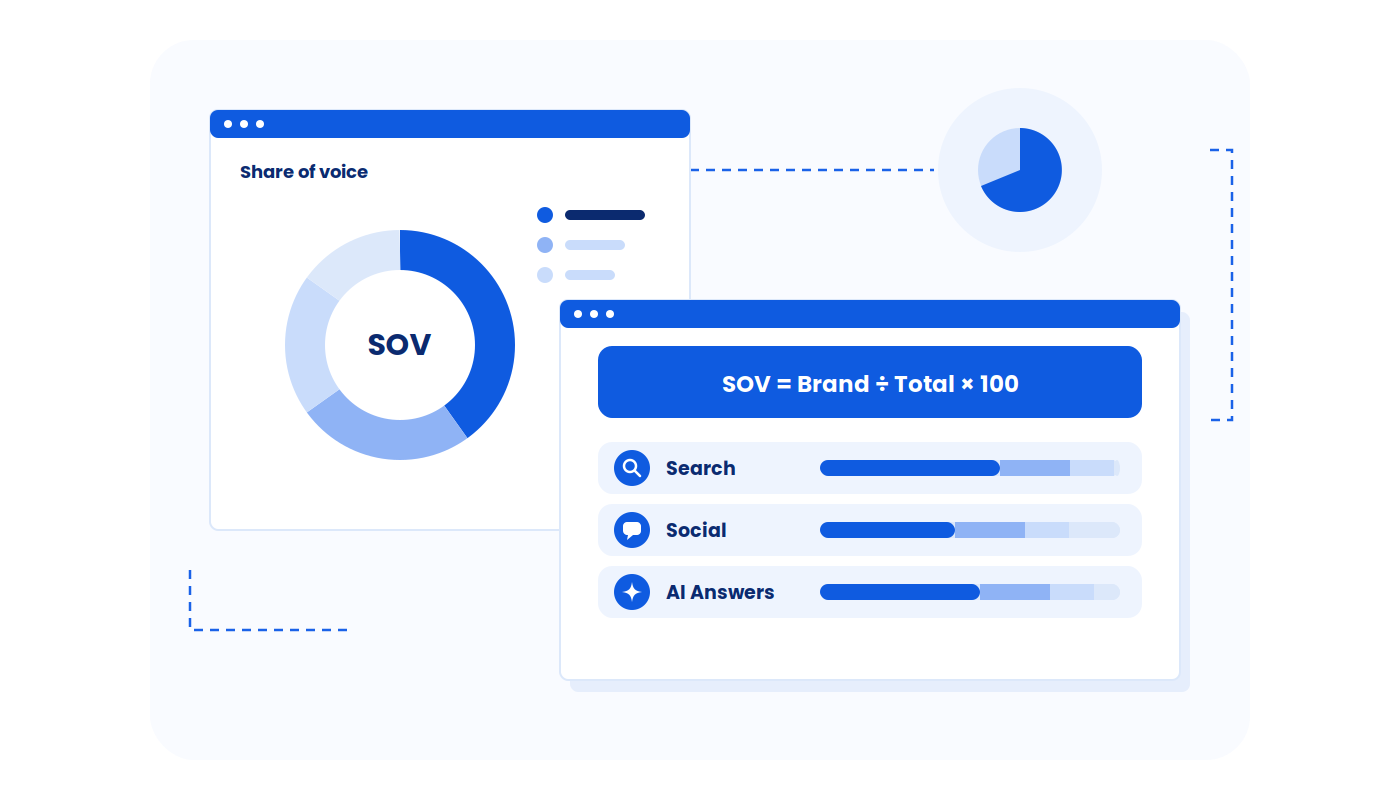
Three sources describe AI traffic, and they measure different things. Put them in one window, on the same days, and keep the units apart.
| Source | What it counts | Unit | What it misses |
|---|---|---|---|
| GA4 AI sessions | Visits where a referrer or UTM tag identified an AI source | Sessions | Visits with no referrer, and visitors who block the tag |
| Server or CDN log referrals | Requests whose referrer is an AI domain | Requests | Stripped referrers, and it can include automated requests |
| AI fetcher requests | Requests from agents such as ChatGPT-User | Fetches | It is not a visit, and no person may be on the page |
The last row needs care. OpenAI says ChatGPT-User is used when someone takes an action in ChatGPT, such as asking a question that requires visiting a page (OpenAI bots documentation). It means an AI read your page for an answer. It does not mean a person visited. OAI-SearchBot and GPTBot are separate crawlers for search and training.
This is why server logs and GA4 rarely match. GA4 records a session when its tag runs in a browser. A server log records every request, including ones from automated agents that never run the tag. A log count above your GA4 count does not mean GA4 is broken. It means the two tools count different things.
An illustrative reconciliation
The numbers below are illustrative, built to show how the three sources relate for one site over the same seven days. They are not Wellows data.
| Source | Count | How to use it |
|---|---|---|
| GA4 AI Assistant channel | 180 sessions | The native floor |
| GA4 custom AI Search group | 240 sessions | Your reportable AI session number |
| Log requests with an AI referrer | 310 requests | Cross-check, includes non-session requests |
| ChatGPT-User fetches | 1,450 fetches | Evidence the engine reads your pages, not visits |
Report 240 sessions. Treat 310 as a check on direction, and 1,450 as a sign that the pages are being read. Never add the three together.
8How do enterprise sites capture hidden AI referral traffic?
No method recovers a referrer that was never sent. Large sites therefore aim to estimate hidden visits and cross-check them, not to make Direct disappear. These are common practices, not controlled findings, so label any figure they produce as an estimate.
| Method | What it helps you see | Limit |
|---|---|---|
| One shared AI channel definition across properties | AI Search numbers that mean the same thing in every property and report | Still counts only visits GA4 could identify |
| Check Direct traffic to deep pages | Pages that draw Direct visits for no clear reason may be getting visits from AI apps | A hint, not proof |
| Compare with server or CDN log referrals | Visits where a blocker stopped the GA4 tag from running | Cannot recover a referrer that was never sent |
| Ask on forms where people heard about you, with an AI option | AI-influenced sign-ups that leave no trace in analytics | Relies on memory, and counts are often small |
| Track citations across engines | Which answers cite you, whether or not anyone clicked | Measures exposure, not visits |
Run these checks over the same dates, keep units apart as in section 7, and report the total as a floor with a range around it, not a single exact number.
9How should I report AI sessions to sign-ups, including on SaaS sites?
Sessions alone do not show value. Put AI sessions next to key events such as sign-ups or demo requests, using the same channel group and the same dates.
| Metric | Example (illustrative) | How to label it |
|---|---|---|
| AI Search sessions | 240 | Floor, not a total |
| Sign-ups from those sessions | 6 | Small number, 6 events |
| Session-to-sign-up rate | 2.5% | Indicative only, too few events to compare |
Six events cannot support a firm rate. Report the count, say how few there are, and wait for a longer window before you compare channels. Do not state a rate from a handful of conversions as a finding.
On a SaaS site, use the events that mark real progress, such as a trial start, a demo request or a sign-up. Then add Landing page as a secondary dimension to see whether AI visitors reach docs, pricing or integration pages before they convert. That tells you which pages AI answers send people to, even when the totals are small.
Frequently asked questions
Is tracking ChatGPT referral traffic different from tracking Perplexity?
Same setup, different signal. ChatGPT links will often have the parameter utm_source=chatgpt.com. You’ll be able to see this in your data even if there is no referrer. Perplexity visits will often have the referrer as perplexity.ai. Put these into the same regex and channel group and compare based on landing pages.
Does Google document utm_source=chatgpt.com?
Not as far as this guide could verify. Google Analytics Help covers the AI Assistant default channel group and its ai-assistant medium, but it does not address the ChatGPT UTM tag. The evidence that ChatGPT adds the tag comes from an independent tracking study. Check your own Session source list to confirm it appears in your property.
Why does AI bot traffic not show up in GA4 referrers?
Because a bot request is not a browser visit. A fetcher such as ChatGPT-User reads a page for an answer, and it typically does not run the GA4 tag, so it does not create a session with a referrer. You will see it in server logs instead. Keep those fetches out of your visit count.
What only Wellows adds
GA4 starts counting after the click. It cannot tell you whether an AI answer cited you, which answers cited a rival, or why a visit never arrived. Those events happen before any referral.
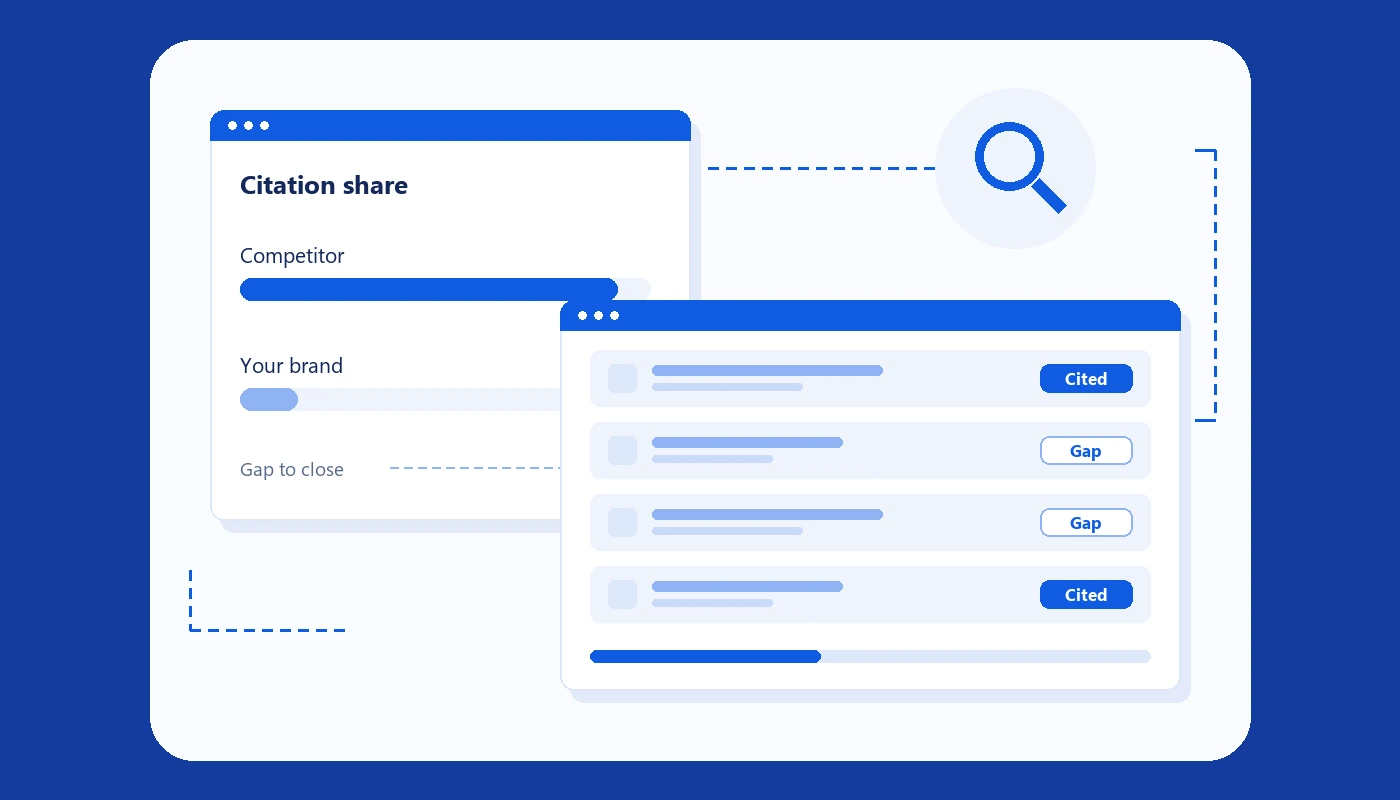
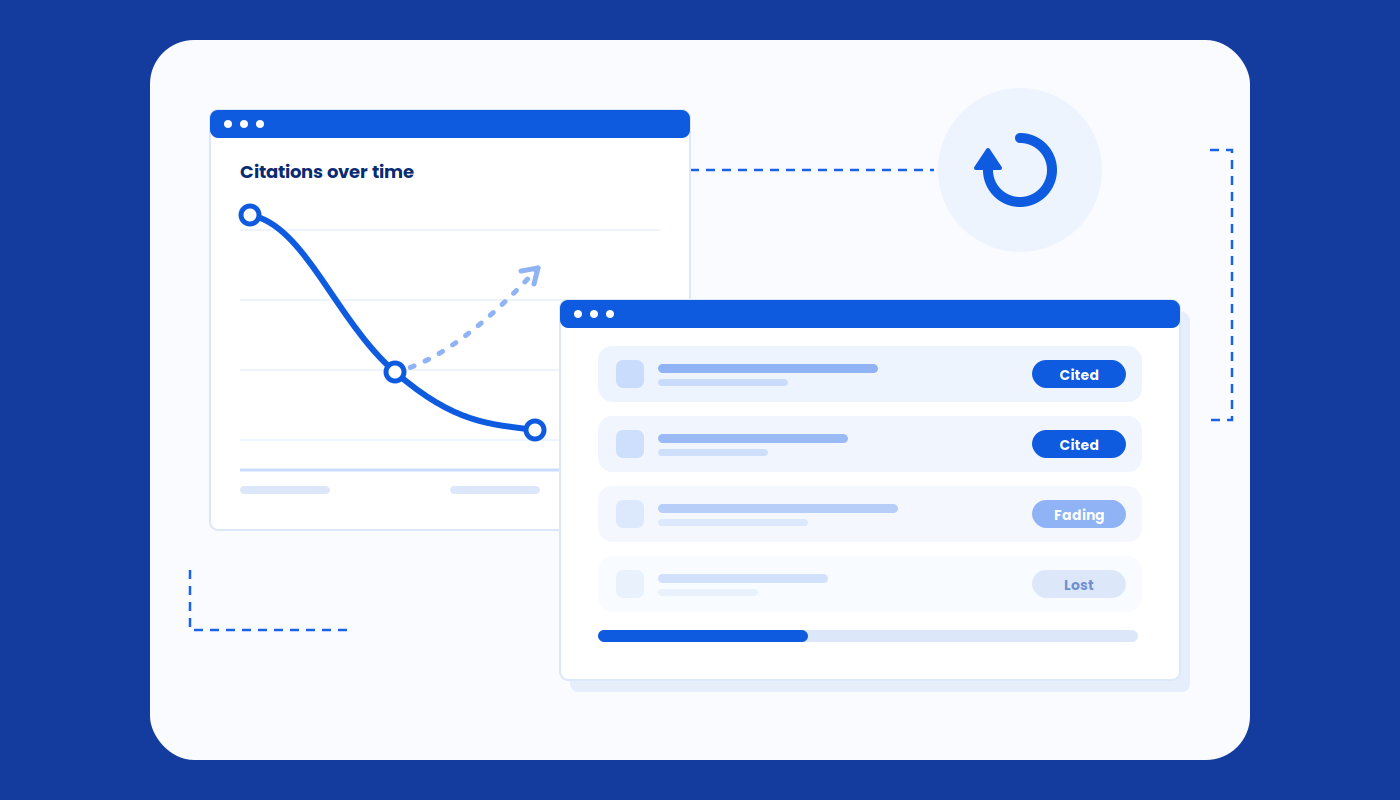
Wellows LLM Citations tracks the URLs that ChatGPT, Google AI Overviews, Google AI Mode, Perplexity and Gemini cite for each of your prompts, refreshes every 24 hours and records the full answer and the source behind each citation. It also tracks implicit citations, the times you are not cited but another page about your topic is. This is your shadow reputation, and it is the narrative that AI engines create based on pages you have not written.
Use GA4 to count the visits that did arrive, and use citations to see the answers that came first. Together they show where you are cited, where visits follow and where they do not.
An AI referral tracking checklist
- Open Traffic acquisition and check for an AI Assistant channel.
- Search Session source for chatgpt.com and perplexity.
- Create the AI Search channel group with the regex.
- Move it above Referral and save.
- Filter Session source with the same regex for a quick check or a one-off report.
- Compare GA4 sessions with log referrals, and keep fetches separate.
- Review Direct traffic to deep pages and ask on forms where people heard about you.
- Report AI sessions next to sign-ups, with small numbers labelled.
Conclusion
You can track AI referral traffic in GA4 today with a source report, one regex and a custom channel above Referral. The number will undercount, because app, copy-paste and no-referrer visits land in Direct. Set it up this week, keep fetches out of your visit count, and report the result as a floor.