



TL;DR
| What it is A Wellows feature that turns every prompt AI doesn’t cite you for into an edit plan for one of your pages. |
What you give it Nothing. It runs on its own after your project’s first visibility run. |
| How it picks Reads the pages AI cites today, checks which of yours qualify, and picks one best page per prompt. |
What you get Up to 15 edits per page, highest priority first, each written like an editor’s brief. |
| Built-in checks No duplicate sections across your site, and no advice that promotes a rival. |
Start here Sort by projected citations and brief writers on the top three pages this week. |
Wellows Content Optimization finds every prompt where no AI model cites your site, picks the one page that can win it, and tells you exactly what to change on that page. It does this for every uncited prompt in a project, with no pages, keywords or URLs to choose.
AI answer engines build each response from a handful of pages. When none of them is yours, buyers read someone else’s page and your brand is left out of the answer. This guide explains how the feature works, what its output means and what to do with it.
1What is Wellows Content Optimization?
Definition: Content Optimization
A feature in the Wellows platform, found under Content, that matches each prompt AI doesn’t cite you for to the page on your site best placed to win it, then writes an ordered plan of edits for that page.
Fixing one uncited prompt by hand takes five jobs. You find the prompt, pick the page that should answer it, study the pages that win it today, compare them with yours section by section, and write edits that don’t clash with your other pages. Content Optimization does all five, for every uncited prompt at once.
| The job | How Content Optimization does it |
|---|---|
| Find the uncited prompts | Uses your tracked prompts and flags every one where no AI model cites the site |
| Pick the page | Checks which of your pages qualify, scores them on seven signals, and lets AI make the final pick |
| Study the winning pages | Reads the pages AI cites for the prompt, up to about 20,000 words each |
| Compare section by section | Checks each gap against what your page already says, so it only asks for what’s missing |
| Write edits that fit your site | Checks your other pages and your brand before it suggests anything new |
2How does Content Optimization work?
The feature runs in four stages, from the prompt to the plan you hand a writer.
1. It starts from prompts AI doesn’t cite you for
Prompt Tracking records how AI platforms answer the questions your buyers ask. Any tracked prompt where no AI model cites your site becomes a gap for Content Optimization to work on. The run starts on its own after the project’s first visibility run.
2. It reads the pages that win today
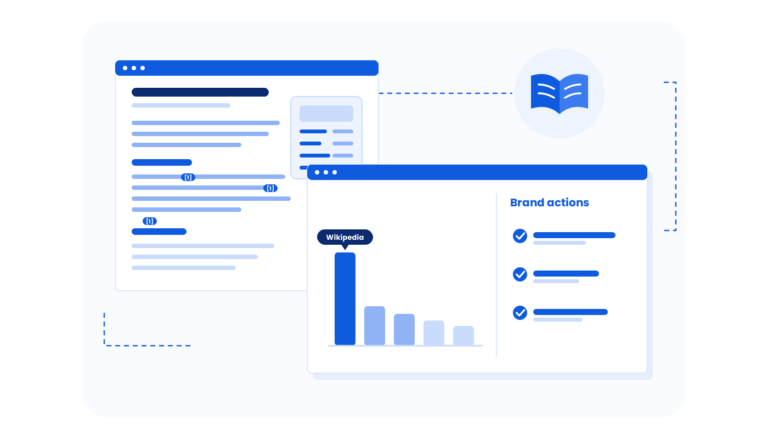
For each uncited prompt, it reads the pages AI already cites, up to about 20,000 words each. It notes what those pages cover, in what form, and which questions they answer that yours doesn’t.
3. It picks one page on your site
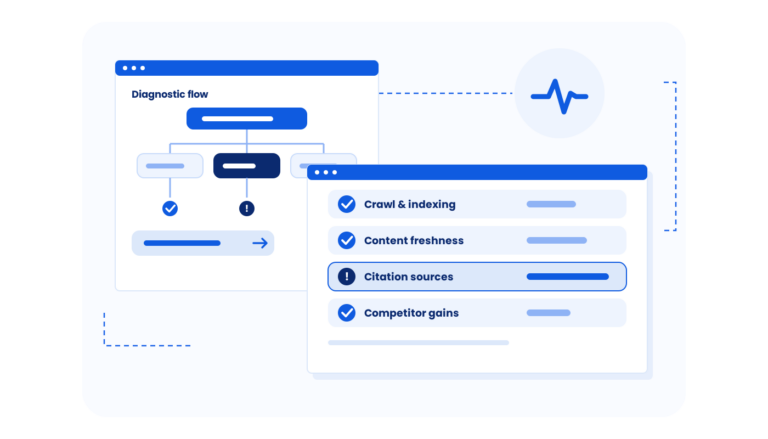
It searches your site, checks which pages qualify based on the prompt and the page type, and scores them on seven signals before AI makes the final pick. It recognises 13 page types, including guides, listicles, comparisons and reviews, so a sales page never gets blog-style advice.
One page per prompt
Each prompt gets one best page, so two of your pages never chase the same prompt. Prompts that land on the same page are merged into one plan.
4. It writes the plan, then checks it
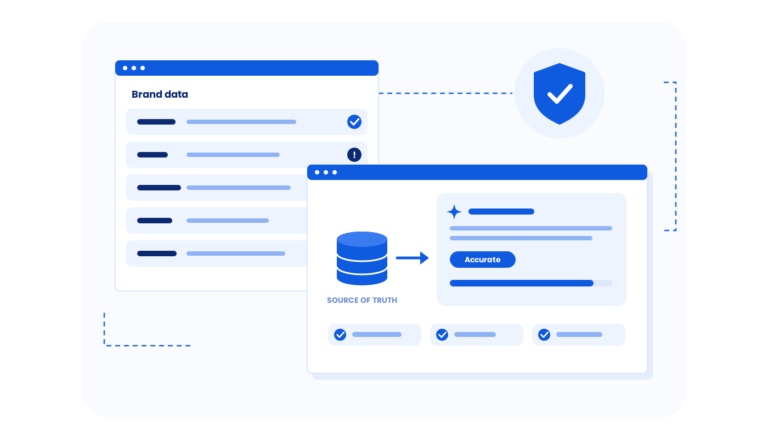
Each page gets an ordered plan of up to 15 edits. Before any edit is shown, the plan goes through two AI review passes, each followed by code checks. The review removes anything that repeats your page, duplicates another of your pages or promotes a competitor.
3What does a suggestion look like?
Each suggestion reads like a brief an editor would give a writer. It carries a priority, a type of change and three instructions: what to add, in what form, and how much.
- What to add: the missing point, named against the text on your page that it extends.
- In what form: a sub heading, an FAQ question and answer, a list item or a table row.
- How much: anything from one sentence to a short list.
- What to check: when an edit depends on a fact, it says what to confirm before you publish.
Related suggestions that a writer would make as one change, up to three of them, are merged into a single edit. It never asks for something your page already says.
Example: the cannibalization check
A hosting brand’s pricing page is missing a definition of managed hosting, but the brand already has a full page on that topic. Without a check, the plan would say: add a new section, “What is managed hosting?”.
Content Optimization finds the existing page, confirms it covers the topic properly and serves the same kind of question. The edit shrinks to one or two lines with a link to that page, and drops one priority level.
4How do I read the results?
Open Content > Content Optimization to see every page with suggestions. The numbers below come from a live Wellows project for a cybersecurity SaaS brand.
| Metric | What it means | In this project |
|---|---|---|
| Tracked prompts | The buyer questions Wellows checks across AI platforms | 955 |
| Visibility score | Share of tracked AI answers that mention or cite the brand | 21.83% |
| Total citations | Citations that point to the brand, out of every citation in the tracked answers | 3,036 of 13,905 |
| Explicit / implicit | Explicit: the brand’s own page is cited. Implicit: another page about the brand’s topic is cited instead | 931 / 2,105 |
| Pages with suggestions | Pages matched to at least one uncited prompt | 16, across 5 topics |
| Estimated citation gain | Wellows’ estimate of new citations if every edit is applied | +111 |
| Projected citations | The same estimate for one page | +23 for the top page, +18 for the next |
| Done | Edits already marked as applied on that page | 1 on one page |
Each page row also shows its topic and intent, so you can filter to one client topic or to commercial pages only. The list can be exported to share with a client.
How to read projected citations
Treat projected citations as a way to rank pages, not a promise. In this project, two glossary pages account for 41 of the 111 projected citations, so they are the obvious place to start.
5What should I do next?
- Brief your writers this week: sort by projected citations, take the top three pages and export their plans.
- Work high-priority edits first, and confirm any fact a suggestion flags before you publish.
- Mark each edit as done. Applied and dismissed marks carry over when a suggestion returns.
- Re-generate the report once the changes are live, and compare visibility in Performance History for a before-and-after.
Where Content Optimization fits in Wellows
Content Optimization improves the pages a brand already has. The rest of Wellows covers the other side of AI visibility. Prompt Tracking and Monitor show where the brand stands, New Content helps you plan pages for topics the site doesn’t cover yet, and Outreach helps you earn mentions on the third-party pages AI already cites.
Agencies run all of it across clients from one account. See how agencies use Wellows.
Conclusion
Content Optimization removes the slowest part of AI visibility work: deciding which page should answer which prompt, and what to change on it. It reads the pages that win today, picks one of yours, and hands you a short, ordered plan that won’t clash with the rest of your site. Start with the top three pages by projected citations this week.
FAQs